
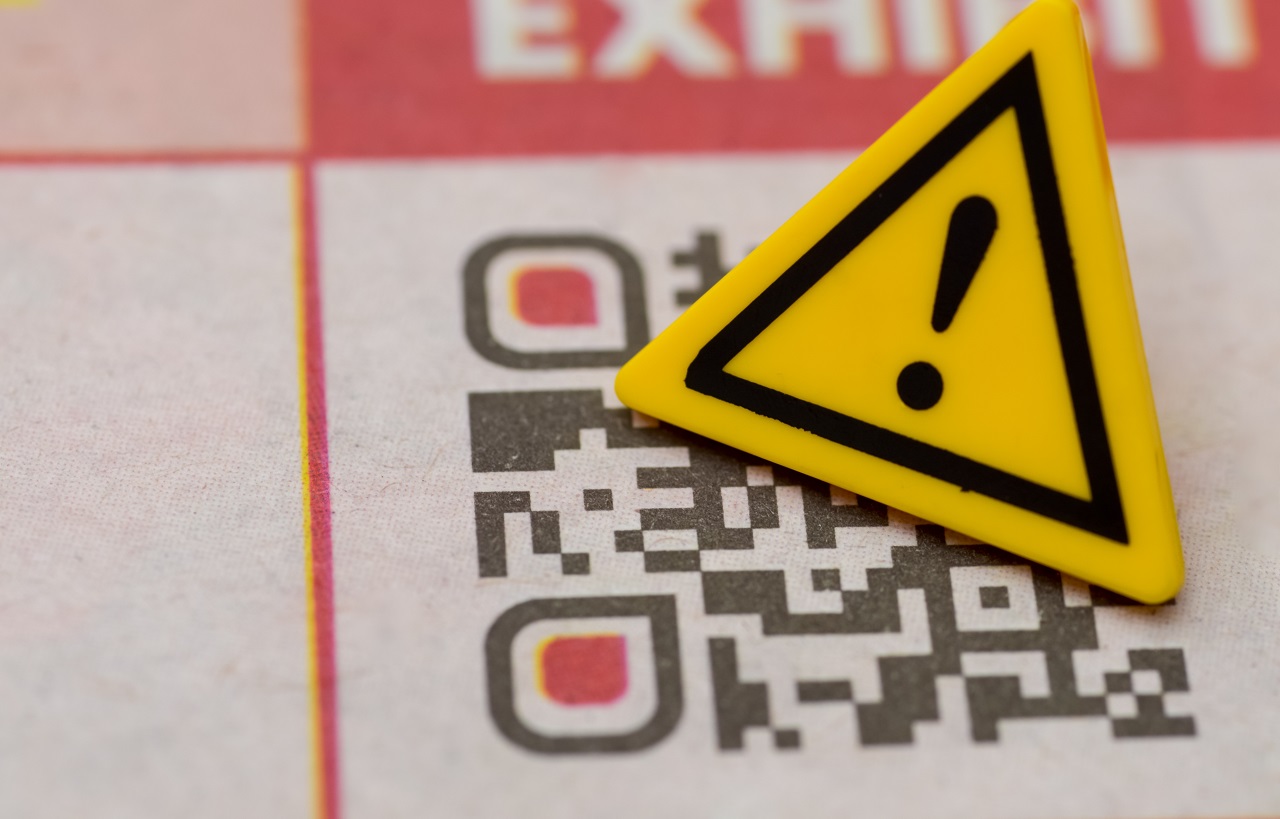
QR codes are useful because they remove friction. Point the camera, open the link, pay the bill, see the menu, join Wi-Fi, sign in, confirm a delivery or download an app. That same convenience is why scammers like them.
A QR code can hide a bad link in plain sight. You cannot read it the way you read a normal URL. A sticker on a parking meter, a code in an email, a fake package insert or a restaurant-table card can send a phone to a phishing page before the person has time to think.
The scam has a name: quishing, short for QR-code phishing. Microsoft Threat Intelligence says QR-code phishing was the fastest-growing email phishing attack vector in the first quarter of 2026, rising from 7.6 million attacks in January to 18.7 million in March. That is the clearest signal yet that QR scams have moved from odd trick to everyday security problem.
Where QR Code Scams Are Showing Up
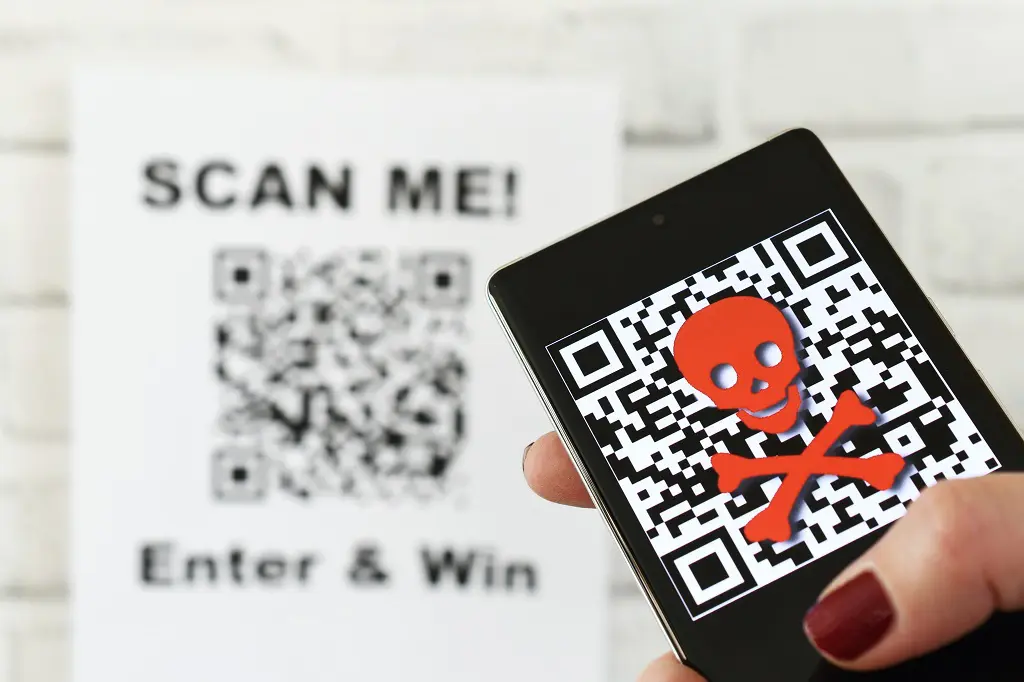
QR scams work best in places where people are already trained to scan without asking questions. That is why they appear in ordinary, low-pressure moments: paying for parking, checking a menu, reading a delivery note, opening an email from work or settling what looks like a small fine.
[/su_table]| Where The QR Code Appears | What The Scam Usually Claims | What The Scammer Wants |
|---|---|---|
| Parking meters and payment signs | Pay for parking or avoid a ticket | Card details, login credentials or payment through a fake page |
| Traffic violation texts | Pay a fine now or avoid court | Personal information, money or malware download |
| Unexpected packages | Scan to find the sender or return the package | Identity data, credit card numbers or device access |
| Restaurant menus | Open the menu or order online | Payment data or a fake website visit |
| Emails from fake HR or IT teams | Open a payroll, review, security or password notice | Work login credentials |
| Flyers, posters and ads | Claim a discount, ticket, coupon or giveaway | Email, phone number, card data or app install |
| Fake delivery notices | Confirm address or pay a small fee | Payment card and identity data |
| Cryptocurrency or wallet pages | Scan to receive funds or connect a wallet | Wallet access, seed phrases or transaction approval |
The Federal Trade Commission warned in April 2026 about traffic-violation texts that include QR codes. The message looks official, includes a fake case number, and pushes the victim to scan quickly to avoid court, fines or enforcement action.
The FBI has also warned about unsolicited packages that arrive with QR codes. The package may look like a gift or return item, but the code can lead to a phishing website or malware download.
Why QR Code Scams Are Harder To Spot Than Normal Links
A normal phishing link at least gives you something to inspect. A QR code hides the destination until you scan it. That puts the dangerous part of the decision on the phone, usually after the person has already trusted the sign, email or sticker.
Attackers also like QR codes because they can push victims away from work devices. A company laptop may have email scanning, browser protection and corporate monitoring. A personal phone may have none of that.
The FBI alert on Kimsuky QR-code phishing explains that attackers use malicious QR codes to move victims from a protected corporate endpoint to a mobile device, bypassing traditional email security controls.
That is the technical trick. The human trick is even simpler. QR codes feel normal now. People scan them in cafes, airports, offices, hotels, clinics, parking lots and stadiums. Scammers are taking advantage of that habit.
What A Bad QR Code Can Do?
A QR code is only a shortcut. The danger depends on what it opens.
- A phishing page that copies a bank, Microsoft 365, Google, Apple ID or delivery-company login.
- A fake payment page that collects card details.
- A malicious app download.
- A fake Wi-Fi setup prompt.
- A wallet-draining crypto page.
- A form that asks for Social Security numbers, birth dates or addresses.
- A fake invoice or fine payment page.
- A page that tries to steal a session token or push a multi-factor login prompt.
Many QR scams do not need advanced malware. They rely on a fake page and a rushed person. The code gets the victim to the page. The page does the rest.
How To Check A QR Code Safely?
The safest habit is simple: scan slowly, read the preview, then decide. A QR code should never be treated like a magic button.
| Check | What To Do | Why It Helps |
|---|---|---|
| Look at the physical code | Check for stickers placed over signs, menus or meters | Many public QR scams replace a legitimate code with a fake one. |
| Preview the URL | Read the domain before opening | A fake domain is easier to catch before the page loads. |
| Avoid urgency | Be suspicious of fines, account closures or “pay now” pressure | Scammers use time pressure to stop careful checking. |
| Use official apps | Open the parking, bank, delivery or restaurant app yourself | Going directly avoids the hidden QR destination. |
| Do not enter passwords | Close the page if it asks for credentials after an unexpected scan | Login pages after random scans are a major warning sign. |
| Check with the source | Call the business, court, school or office using a known number | Do not trust phone numbers shown on the suspicious page. |
A safe QR scan should open a domain you recognize, for a reason that matches the place where you found the code. A parking code should go to the official parking provider. A restaurant menu should go to the restaurant domain or a known menu platform. A work QR code should come from a message you expected, not a surprise email pushing you to sign in.
Examples That Should Make You Pause
QR scams often sound boring because boring works. Nobody expects a parking sign or package card to be part of a phishing attack.
A Parking Meter Sticker
You scan a code on a parking meter and land on a payment page. The page looks clean, asks for your plate and card, and processes a small payment. Later, you may still get a parking ticket because the payment never went to the city or parking operator.
Better move: use the official parking app, type the official web address yourself or check nearby signage for tampering.
A Traffic Fine Text
A text says you missed a traffic hearing or owe a fine. The QR code promises a quick settlement. The FTC says people should not scan those codes and should check court information through a trusted website or phone number.
Better move: delete the text and check the official court or state agency site directly.
A Work Email With A QR Code
The message says HR needs you to confirm payroll, complete a review or reset a password. The QR code sends your phone to a fake Microsoft or Google login page.
Better move: open the company portal yourself. Ask IT through a known internal channel before scanning.
A Package With No Sender
A package arrives with a card saying to scan the QR code to see who sent it. The FTC and FBI have both warned about package-related QR scams that can steal data or install malware.
Better move: do not scan. If you did not order it and there is no sender, treat the code as suspicious.
What Businesses Should Do Before Using QR Codes
QR codes are still useful. The answer is not to stop using them. The answer is to make them easier to verify.
- Use a short, recognizable company domain.
- Avoid random shortened links when the code will appear in public.
- Print the destination URL below the code so people can type it manually.
- Use tamper-resistant labels where public codes are exposed.
- Check posted codes during opening and closing routines.
- Train staff to report stickers placed over original codes.
- Send QR codes only when the customer expects them.
- Never ask for passwords through a surprise QR flow.
- Monitor new lookalike domains that imitate the business.
For companies, QR security also connects to identity design. As PMCA previously explained in its guide to Zero Trust security, access should be verified carefully instead of trusted by default. QR codes should follow that same thinking. A scan should not become automatic trust.
What IT Teams Should Watch In 2026
QR phishing is not only a consumer problem. Microsoft’s Q1 2026 data shows attackers are using QR codes heavily in email campaigns, especially where they can hide malicious URLs inside images, PDFs or direct email body content.
Security teams should treat QR codes inside emails as links, not as harmless images. Email filters, user training and mobile-device controls need to catch up with that reality.
| Risk | Better Control |
|---|---|
| QR codes in phishing emails | Email security tools that extract and inspect QR destinations |
| Personal phone scanning | Mobile threat protection for managed devices |
| Fake Microsoft 365 logins | Phishing-resistant MFA and passkeys where supported |
| Employee payroll or HR bait | Internal policy: no surprise QR codes for login or payroll changes |
| Public QR tampering | Routine inspections and branded landing pages |
| Credential theft after scan | Conditional access, impossible-travel alerts and session monitoring |
Phishing-resistant authentication helps because stolen passwords and codes lose value. PMCA also covered why passkeys are safer than passwords, and that advice fits QR scams directly. A fake page cannot use a passkey as easily as it can steal a typed password.
What To Do If You Already Scanned A Suspicious QR Code
Scanning alone does not always mean damage. What you did after scanning decides the next step.
- If you only previewed the link and closed it, the risk is usually low.
- If you opened a page but entered nothing, clear browser history and close the tab.
- If you entered a password, change it immediately from the official website or app.
- If you reused that password anywhere else, change those accounts too.
- If you entered card details, contact the bank or card issuer.
- If you downloaded an app, uninstall it and run a security scan.
- If money was taken, report it to the bank and to ReportFraud.ftc.gov.
- If it involved a work account, tell IT immediately.
Speed matters after a credential mistake. Attackers can use stolen logins quickly, especially when a fake page collects a password and a one-time code.
FAQ About QR Code Scams
Bottom Line
QR codes are not going away. They are too convenient for restaurants, parking, payments, delivery, events, travel and business workflows. That convenience is exactly what scammers are exploiting.
The safest rule is simple: treat every QR code like a link you cannot see yet. Preview it, check the domain, avoid urgency, and go directly through the official app or website when money, passwords or personal information are involved.
For businesses, the message is just as clear. A QR code is part of the customer security experience now. Use recognizable domains, inspect public codes, train staff, and never make people scan a mystery square to prove who they are.