
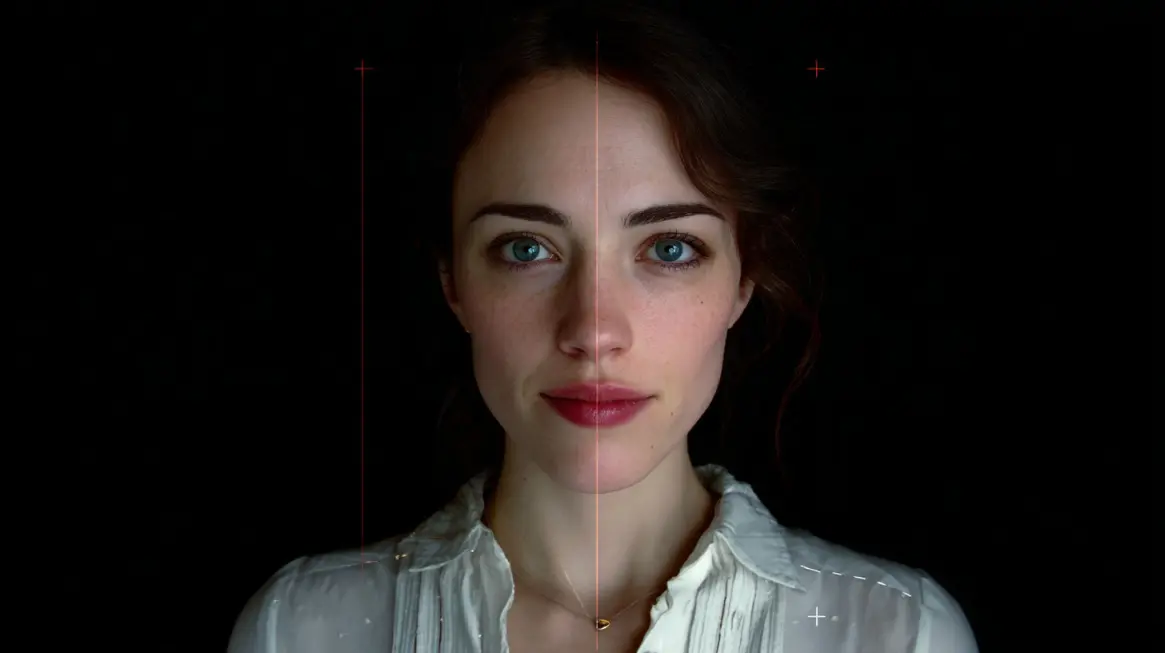
A manager appears on a video call and asks for an urgent payment. A family member seems to be on screen asking for emergency money.
AI fake video calls can imitate a real person’s face, voice, facial expressions, lip movement, and speech patterns in real time.
Seeing and hearing someone on screen no longer proves identity. Scammers often pair realistic AI with social pressure.
- Urgency
- Fear
- Authority
- Emotional pressure
- Secrecy
Fake video scams now affect ordinary users, families, employees, and businesses.
Any call involving money, accounts, data, identity documents, internal access, or reputation should be verified through a trusted channel outside the call.
What an AI Fake Video Call Is
An AI fake video call is a live or recorded video interaction in which artificial intelligence makes an impostor look or sound like another person.
Some calls use a real scammer behind a fake face. Others use recorded or generated video with cloned audio.
- Face swapping that places one person’s face onto another person’s head
- Voice cloning that copies pitch, tone, cadence, and accent
- Real-time lip syncing that aligns mouth movement with speech
- Generated facial expressions that imitate smiles, eye motion, and emotion
- Manipulated video feeds that appear inside normal meeting apps
Preparation often starts before contact. Attackers collect public photos, social media clips, webinars, podcasts, interviews, speeches, video messages, and meeting recordings.
A few seconds of clean audio may be enough to copy a voice.
A small set of images may be enough to create a convincing face model. In some cases, a criminal may keep someone talking on a phone call to capture more speech for later cloning.
Risk increases because visual and audio imitation can happen together.
A fake caller may look like a manager, sound like a parent, and use familiar timing or tone. That combination can make a rushed request feel real.
Why Fake Video Calls Are Hard to Spot
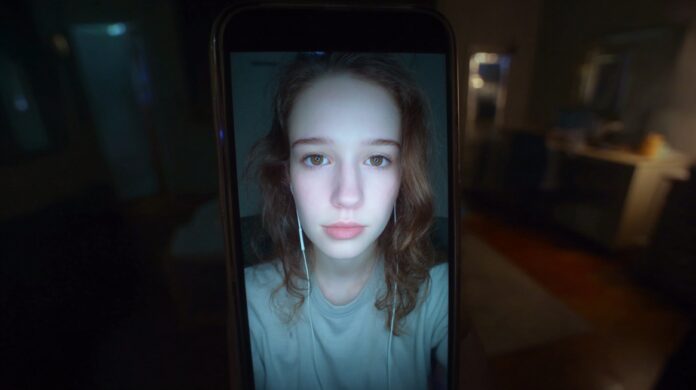
Modern AI impersonation can look polished enough to fool careful people, especially during stress. A caller does not need a perfect fake.
A caller only needs enough realism to make someone hesitate, trust, or rush.
Bad connection excuses also help scammers. Lag, frozen frames, low resolution, noisy audio, and poor lighting can hide defects.
A fake caller may blame a weak connection, a broken camera, a loud room, or a headset problem. Those excuses make glitches seem normal.
Low-cost AI tools have made this type of fraud easier to attempt. Large companies are not the only targets.
Small businesses, schools, nonprofits, freelancers, local teams, and families can all face impersonation attempts.
Look at what the person asks for, how fast they push, what details they avoid, and how they respond to verification.
A real face with an unusual request still needs a check. A familiar voice asking for codes, money, access, or secrecy should slow everything down.
Visual Red Flags on Screen
Visual clues matter most when several appear together.
One odd blink can happen on a normal video call. Several unnatural details, paired with pressure or secrecy, should trigger verification.
Eyes and Blinking
Eyes are hard to fake because small movements carry a lot of realism.
Watch for too much blinking, almost no blinking, stiff eyelids, one eye moving differently than the other, glassy eyes, unfocused eyes, or strange reflections in pupils or glasses.
Normal blinking is roughly 17 times per minute. Some AI fakes blink too rarely, too often, or out of sync with facial movement.
Blinking alone does not prove fraud, but it becomes important when paired with a rushed or sensitive request.
Lighting, Shadows, and Reflections
Lighting should make sense across the face, room, and background.
Be cautious when face lighting does not match the room, shadows point in odd directions, skin glare looks artificial, glasses reflect light strangely, or the face appears studio-lit while the background looks natural.
- Light direction on the cheeks compared with the light direction in the room
- Shadow under the chin compared with the shadow behind the person
- Reflections in glasses compared with visible lamps or windows
- Skin brightness compared with the neck, ears, and hands
A fake face may be generated separately and placed over a real video feed. That separation can make lighting feel slightly disconnected.
Face Edges and Fine Details
Edges often reveal video manipulation. Look closely at the hairline, jaw, ears, hands, glasses, jewelry, and teeth.
A fake overlay may look stable when the caller faces the camera, then flicker when the caller moves.
Warning details include hairline blur, shimmering edges, floating facial features, waxy skin, blurred teeth, distorted ears, and a face that looks pasted onto the head.
Hands near the face can also cause artifacts because fingers and facial edges overlap in complex ways.
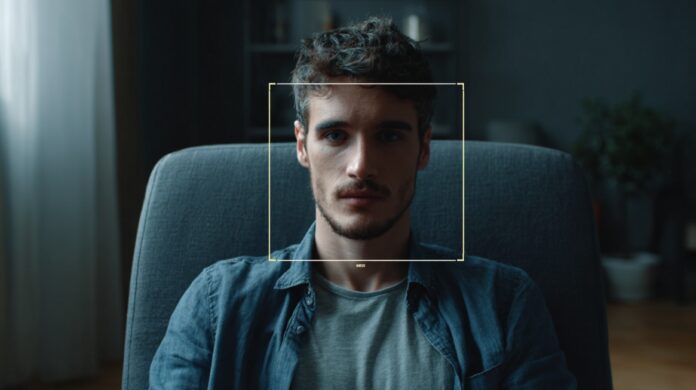
Facial Expression Problems
Emotion should match speech, timing, and context. A fake caller may sound upset while the face barely changes.
A smile may freeze. A reaction may arrive late. A serious topic may appear with a flat or overly smooth expression.
Real faces wrinkle, tighten, squint, and shift during emotion.
AI-generated faces may look too polished or too still, especially around the forehead, cheeks, and mouth.
Background Clues
Backgrounds can expose a fake when they do not behave like a real room.
Watch for a background that stays static while the caller moves, objects that warp near the face, a blur that looks too heavy, or lighting behind the caller that does not match facial lighting.
Background checks are especially helpful when the caller avoids moving much.
A real person, camera, chair, shoulders, and room usually shift together. A fake layer may move differently.
Audio Red Flags
Audio can feel convincing before the words begin to sound wrong.
Pay attention to how the voice behaves across full sentences, interruptions, emotion, and fast speech.
Lip Sync Problems
Mouth movement should match speech closely. A small delay between audio and lips can be visible without special tools.
Mismatch may become clearer when the caller speaks quickly, laughs, interrupts, or pronounces sounds such as “m,” “f,” or “t.”
Normal video lag can cause minor delays, so lip sync is not enough by itself. Concern rises when the caller also asks for money, access, secrecy, or immediate action.
Robotic or Flat Voice
A cloned voice may sound almost right but not fully human.
Listen for monotone delivery, a slightly electronic sound, awkward pacing, missing emotion, breathless speech, or emotional tone that does not match the message.
A real person’s voice usually shifts with context. Stress, laughter, hesitation, frustration, and relief create small changes. Synthetic speech can miss those details.
View this post on Instagram
Missing Human Speech Details
Human speech has texture. People breathe, pause, cough, hesitate, sniff, restart sentences, and stress words naturally.
AI-generated speech may sound too clean or oddly timed.
Pay attention when the caller speaks for more than a few sentences.
- No audible breathing during long statements
- Pauses are placed in unnatural spots
- Words cut off too abruptly
- Words joined together with little separation
- Stress is placed on the wrong syllable or phrase
Small voice flaws matter more when the caller avoids unscripted conversation.
Familiar Voice, Wrong Speaking Style
A voice can sound familiar while the speaking style feels wrong.
Someone you know usually has personal habits: favorite phrases, typical pacing, humor, accent, vocabulary, and tone.
A cloned voice may copy sound but miss personality. A manager who usually explains details may suddenly speak only in commands.
A parent who uses nicknames may avoid them. A friend who jokes often may sound stiff and generic.
Personal speech habits can act as quiet identity checks. When the voice sounds right but the person feels wrong, slow the call down.
Closing Thoughts
A familiar face and voice are no longer enough.
AI impersonation works because it targets trust, then pushes for fast action.
Look for visual glitches, audio inconsistencies, scripted behavior, urgency, secrecy, and risky requests.
- Ask for a side turn
- Ask for a random physical action
- Ask a private verification question
- Use a code word
- Request screen sharing during work calls
- Confirm through a separate trusted channel
If a video call changes what you are about to do with money, accounts, data, job duties, or reputation, stop and verify outside the call.