
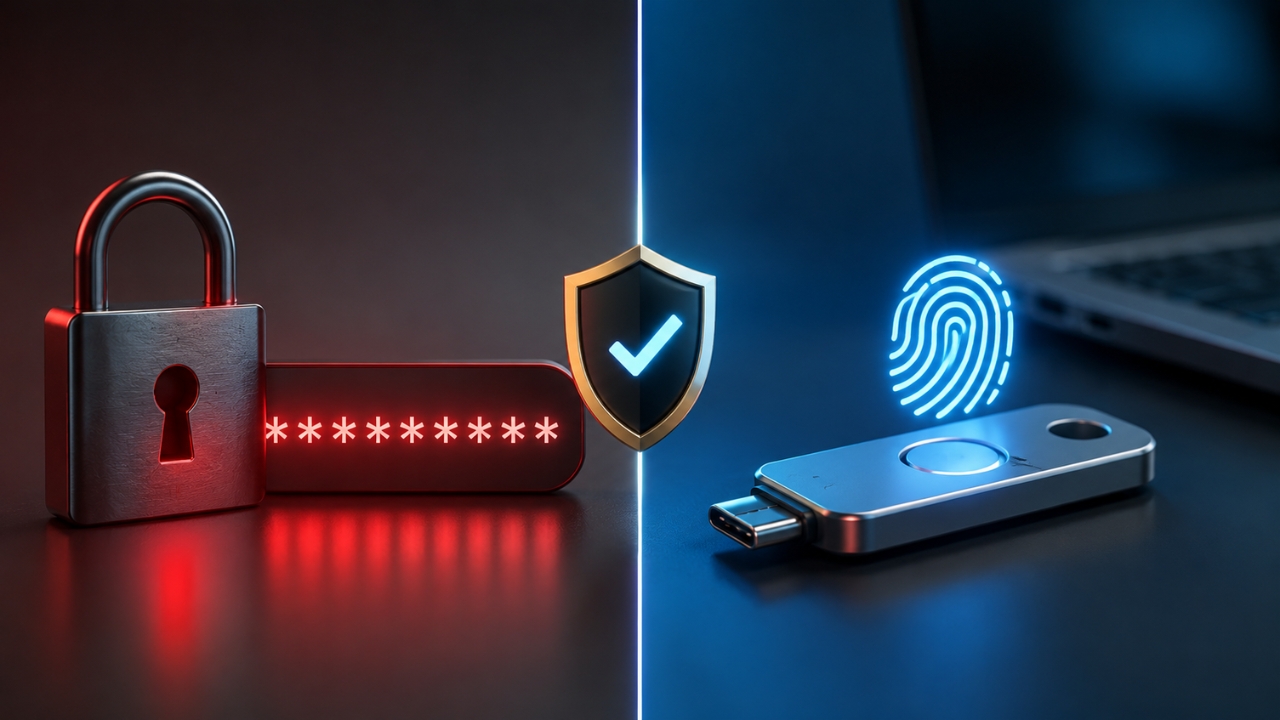
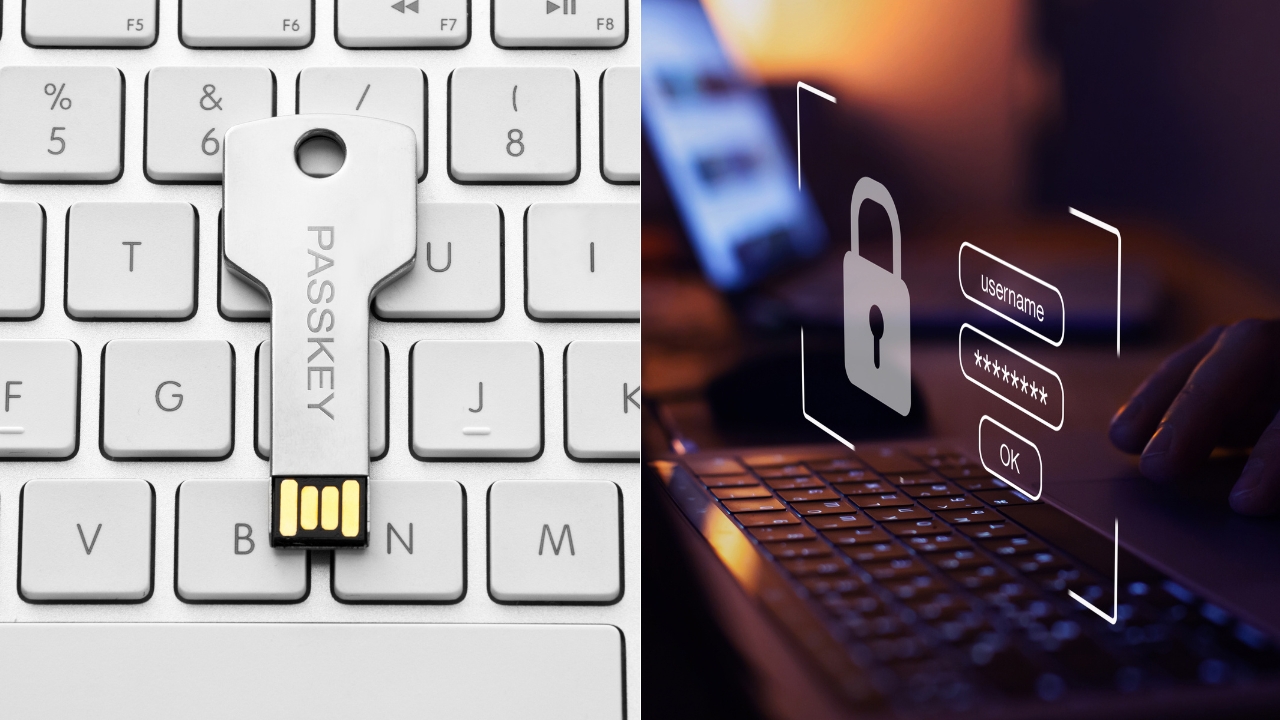
Passkeys are safer than passwords for most online accounts in 2026. They are harder to phish, harder to reuse, and safer after a company data breach because the website does not store a reusable secret that attackers can steal and type somewhere else.
Passwords still have one advantage: people understand them. They work almost everywhere, they can be written down, and they are easy to reset.
That convenience is also the problem. Passwords can be guessed, reused, leaked, bought, phished, sprayed, and stolen from infected devices.
The FIDO Alliance explains passkeys as a password replacement that is unlocked the same way people unlock a device, such as with a fingerprint, face scan, PIN, or pattern.
The website gets a public key. The private key stays with the user device or passkey provider. That design removes the shared password from the login flow.
The Short Answer
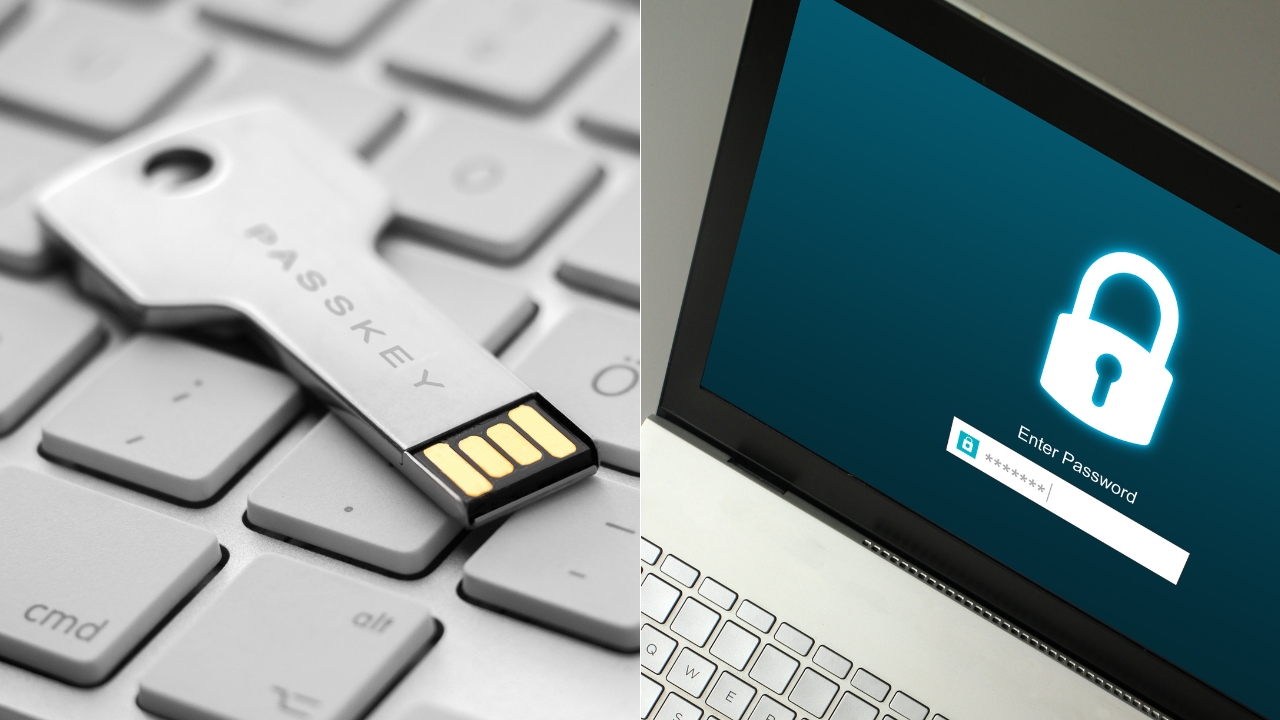
For banking, email, work accounts, cloud storage, admin panels, and shopping accounts, passkeys are the better security choice when the service supports them.
Passwords should still be protected with a password manager and multi-factor authentication, where passkeys are not available. A weak password with SMS codes is no longer enough for high-value accounts.
Login Method
Best Use
Main Risk
2026 Verdict
Passkeys
Email, banking, work apps, cloud accounts, shopping, and admin logins
Account recovery can be messy if devices and backups are not set up
Safest everyday option when supported
Password + SMS Code
Low-risk accounts where better options are unavailable
Phishing, SIM swap, stolen codes, reused passwords
Better than a password alone, weak for sensitive accounts
Password + Authenticator App
Accounts without passkey support
Phishing pages can still trick users into entering codes
Useful fallback, less safe than passkeys
Password Manager Only
Sites that still require passwords
Master account recovery and malware on trusted devices
Necessary fallback, not the best final state
Hardware Security Key
Admins, finance teams, journalists, executives, high-risk users
Loss of key if backups are not prepared
Very safe, less convenient for casual users
Why Passwords Keep Failing
A password is a shared secret. You know it, the site checks it, and attackers want it. That basic design creates the same problems year after year.
People reuse passwords because remembering dozens of unique logins is unrealistic. Attackers know that. After one breach, they test stolen email and password pairs on other sites. That is credential stuffing, and it works because reused passwords are common.
Phishing is even simpler. A fake login page can look like the real one. A person types a password and enters a one-time code, and the attacker uses both quickly. Many MFA systems reduce risk, but they do not always stop a live phishing attack.
CISA says FIDO/WebAuthn authentication blocks the attempt when a malicious actor tricks a user into logging into a fake website, because the authentication is bound to the legitimate site. That is the major difference.
Why Passkeys Are Harder To Phish
A passkey does not work like a password. You cannot type it into a fake website. You cannot accidentally read it over the phone. A criminal cannot use it by copying characters from a breach dump.
During login, the real website sends a challenge. The user device signs the challenge with a private key. The website verifies the answer with the public key. If the domain is fake, the passkey should not complete the login.
NIST SP 800-63B-4 treats phishing resistance as a major authentication requirement. The NIST authentication guideline says applications assessed at AAL2 must offer a phishing-resistant authentication option, while AAL3 requires a phishing-resistant authenticator with a non-exportable authentication key.
For normal users, the plain version is easier: a passkey checks that the site is the site it claims to be before login succeeds. A password does not.
What Actually Happens When You Use A Passkey
Most people experience passkeys as a quick prompt. You choose an account, unlock the phone or computer, and sign in. The security is happening under the surface.
Step
Password Login
Passkey Login
What the user provides
Typed password
Device unlock, such as fingerprint, face scan or PIN
What the site stores
Password hash
Public key
What attackers try to steal
Password, code, session, reset access
Device access, session, recovery path
Phishing risk
High
Much lower when properly implemented
Data breach impact
Stolen password hashes can be cracked or reused
Public keys do not let attackers sign in by themselves
A fingerprint or face scan does not get sent to the website. It unlocks the private key on the device or in the passkey provider.
That distinction matters because many people worry that passkeys mean every website gets biometric data. They do not.
Where Passwords Still Have A Place
Passkeys are safer, but passwords have not disappeared. Many websites still require them. Some passkey systems still use passwords during account recovery. Older business software may not support WebAuthn or modern identity tools.
For those accounts, a password manager remains the best practical fallback. Every password should be long, unique, and generated, not reused from memory. Authenticator-app MFA should be turned on where passkeys are not available.
As we explained in our guide to Zero Trust security, identity checks should happen continuously and carefully, not only at the network edge. Passkeys fit that model because they reduce trust in typed secrets and force stronger proof during login.
The Main Weak Point With Passkeys
The biggest passkey problem is recovery. Safer login does not help much if a person loses a phone, forgets the device PIN, has no backup, and cannot get back into an account.
Synced passkeys solve part of that by letting users recover credentials through Apple, Google, Microsoft or a password manager account.
That is convenient. It also means the security of the passkey depends partly on the security of that account and the recovery process.
Device-bound passkeys or hardware security keys can be safer for high-risk users, but they demand better planning. A business should never give one security key to an admin and stop there. Backup keys, recovery rules, and offboarding procedures matter.
Best Choice For Different Users
User Or Account Type
Best Login Method
Reason
Regular personal accounts
Synced passkeys
Good balance of security and convenience
Main email account
Passkey plus careful recovery settings
Email controls password resets for many other accounts
Banking and finance
Passkey if available, otherwise password manager plus authenticator app
High-value account with phishing risk
Business admin accounts
Hardware security key or managed passkey
Higher damage if compromised
Shared workplace accounts
Avoid shared passwords, use named accounts with strong authentication
Shared credentials make accountability and access control harder
Older websites
Unique password from a password manager
Needed until passkey support exists
What Businesses Should Change First
Companies should start with the accounts that cause the most damage when compromised: email administrators, cloud admins, finance, HR, code repositories, customer databases and remote access tools.
Rolling out passkeys to every user at once can create confusion. A staged rollout works better. Start with IT and high-risk teams, document recovery steps, test device replacement, then expand to the wider workforce.
View this post on Instagram
Microsoft said on World Passkey Day 2026 that individuals and organizations can use passkeys for phishing-resistant passwordless authentication. That direction matches where major platforms are already moving.
What Individuals Should Do In 2026
Start with the accounts that matter most. Email comes first, because it can reset many other accounts. Then banking, cloud storage, Apple ID, Google account, Microsoft account, password manager, shopping accounts, and social media.
Passkeys are the safer login method in 2026 for most accounts. They remove the typed secret, reduce phishing risk, and limit damage from password database breaches. Passwords still matter as a fallback because passkey support is uneven and recovery still needs careful setup. The safest practical approach is passkey-first for major accounts, password-manager fallback for everything else, and no reused passwords anywhere. Passkeys beat passwords on the security problem that hurts people most: stolen or phished credentials. They are not perfect, and recovery planning still matters, but they are the better default for 2026. Use passkeys first on accounts that protect money, identity, work access, and email. Keep a password manager for everything else until the web finishes catching up.
Passkeys Vs Passwords: Final Verdict
FAQ About Passkeys vs Passwords
Bottom Line